
How I run my week as a PM with AI
Not a side project. This is my actual workday.
The system
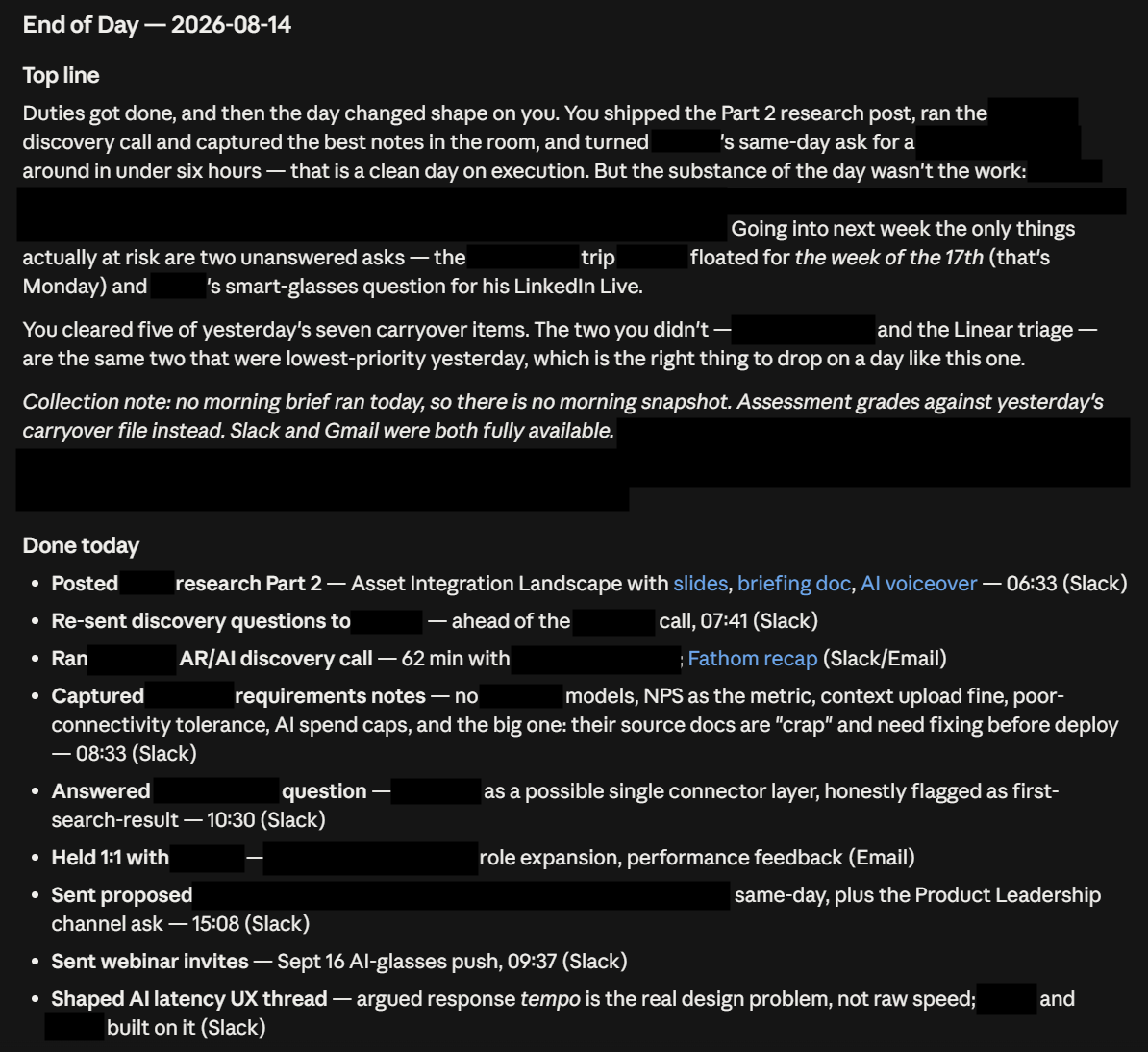
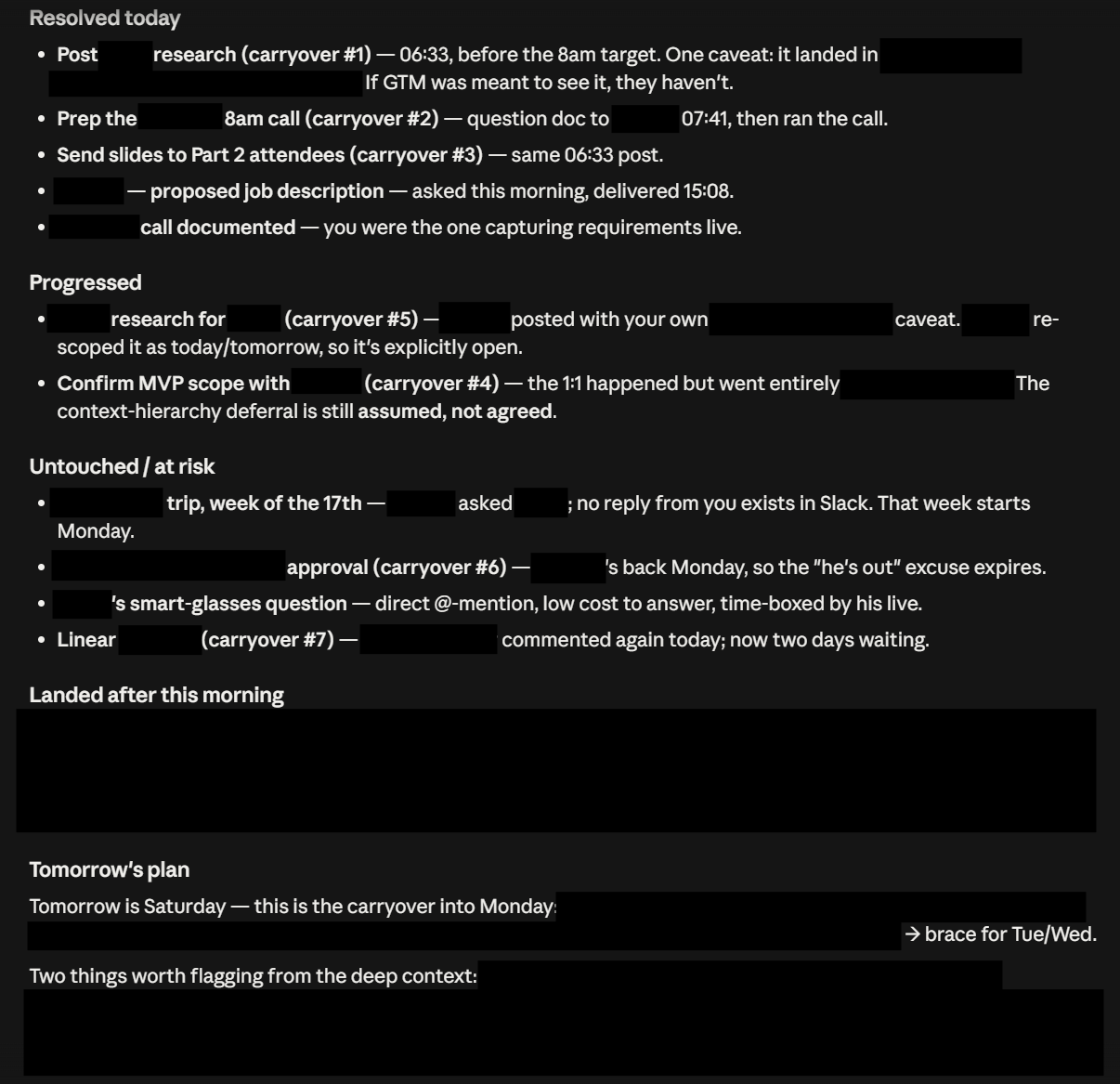
My workday ends with one command I built with Claude Code. I call it Daybrief Evening, and it runs against my real work Slack and Gmail through my company’s connected integrations.
Every evening it builds a “Done today” log from evidence: my Slack replies, my sent email, and the day’s AI-assisted work sessions. Then it diffs against yesterday. What got resolved, what progressed, what went untouched, and what carries into tomorrow.
Because it runs at the end of the day, tomorrow is already staged before I wake up. Nothing meaningful changes overnight, so whenever I start the next morning, the queue is waiting. And reviewing it before bed means I get to sleep on tomorrow’s plan.
The log also becomes a running record of what I’ve actually done, which means status updates and self-reviews get written from data instead of memory.
Two decisions worth telling
I killed the version with its own keys. The first version was a standalone app with its own API keys and personal access tokens. It worked, and I killed it anyway. The rebuild runs on integrations my company had already connected and approved. No personal tokens, no separate billing, no credentials living in a self-built tool. Shipping v1 taught me what the tool should do. v2 made it something an organization could actually live with.
I also killed half the product. The system originally ran twice a day, a 7:30am brief and a 5pm review. Running both showed me the overnight delta was basically zero, so the morning run mostly repeated what the evening run already knew. I kept the evening brief and cut the rest. That’s the same discipline I’d want applied to any product I manage.
The same pattern, elsewhere
The loop behind this (a prompt, a schedule, state files, an output channel) is the same one that powers the Campus Scout nightly housing report. Build the loop once, point it at different problems.
This page covers my daily rhythm. The Developer Docs Pipeline shows the other half: using the same tools to ship real cross-functional work at my job.
What this shows
My AI fluency is operational, not aspirational. I use this system every working day. I rebuilt it once because of organizational constraints, and I cut half of it when real usage said to.